
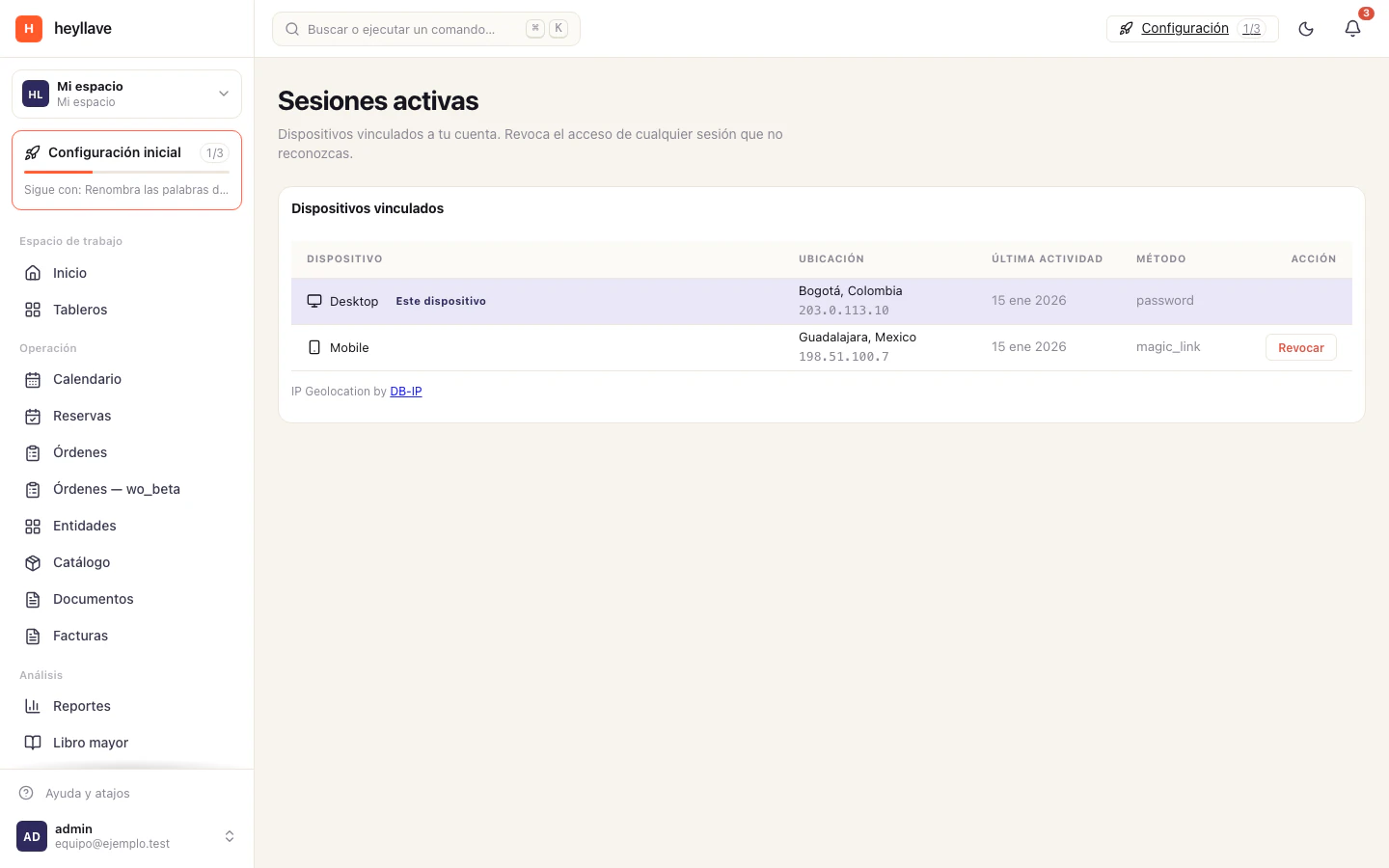
Your Account controls your personal profile and sign-in methods. Workspace-wide security is managed separately by an authorized administrator.
Review sign-in methods
- Open your account menu and choose Account.
- Check your email and profile information.
- Open Sign-in methods.
- Use an available action to change a password or add a passkey.
- Complete the on-screen verification.
Available methods can include passwords, passkeys, email links or a connected identity provider. Use the methods your workspace offers.
Close an unfamiliar session
Open Account → Sessions, review the devices and activity, and close sessions you no longer use or do not recognize. If you suspect unauthorized access, change the relevant credentials and inform the workspace administrator.
A passkey uses your device’s secure unlock mechanism. Keep the device locked when you are not using it.
Recover access
Use the password-recovery action on the sign-in screen when available. Recovery links can expire and are intended for a single use. If your workspace allows only a connected provider, follow that provider’s recovery process or ask the administrator which method to use.
Do not share one-time codes, recovery links or passwords with support. Use the help center to describe the problem without including them.