
Workspace
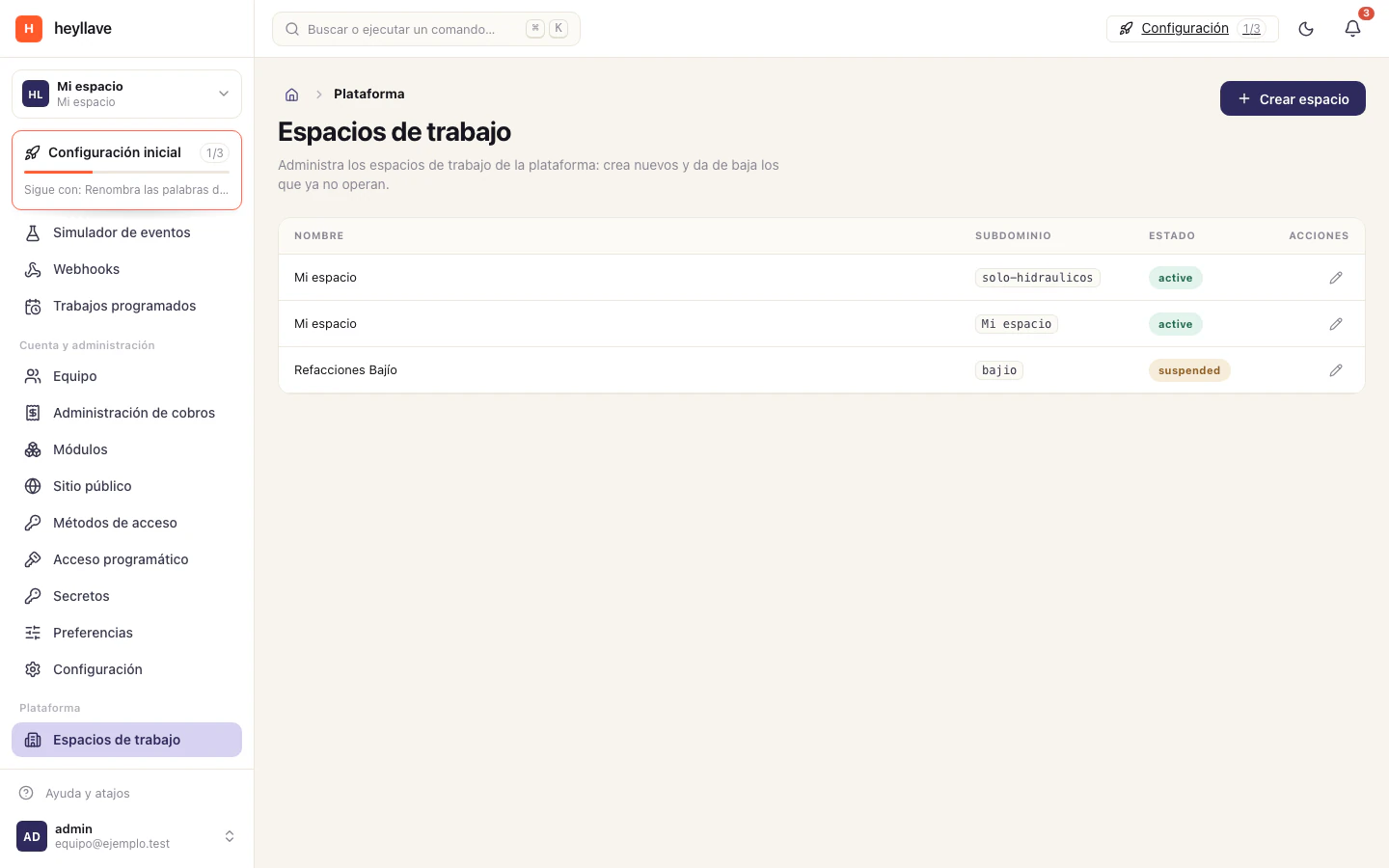
A workspace represents a business and brings together its team, settings, modules and data. One email can belong to more than one workspace. Switching workspaces changes the context of the information you see. Learn about workspaces →
Modules
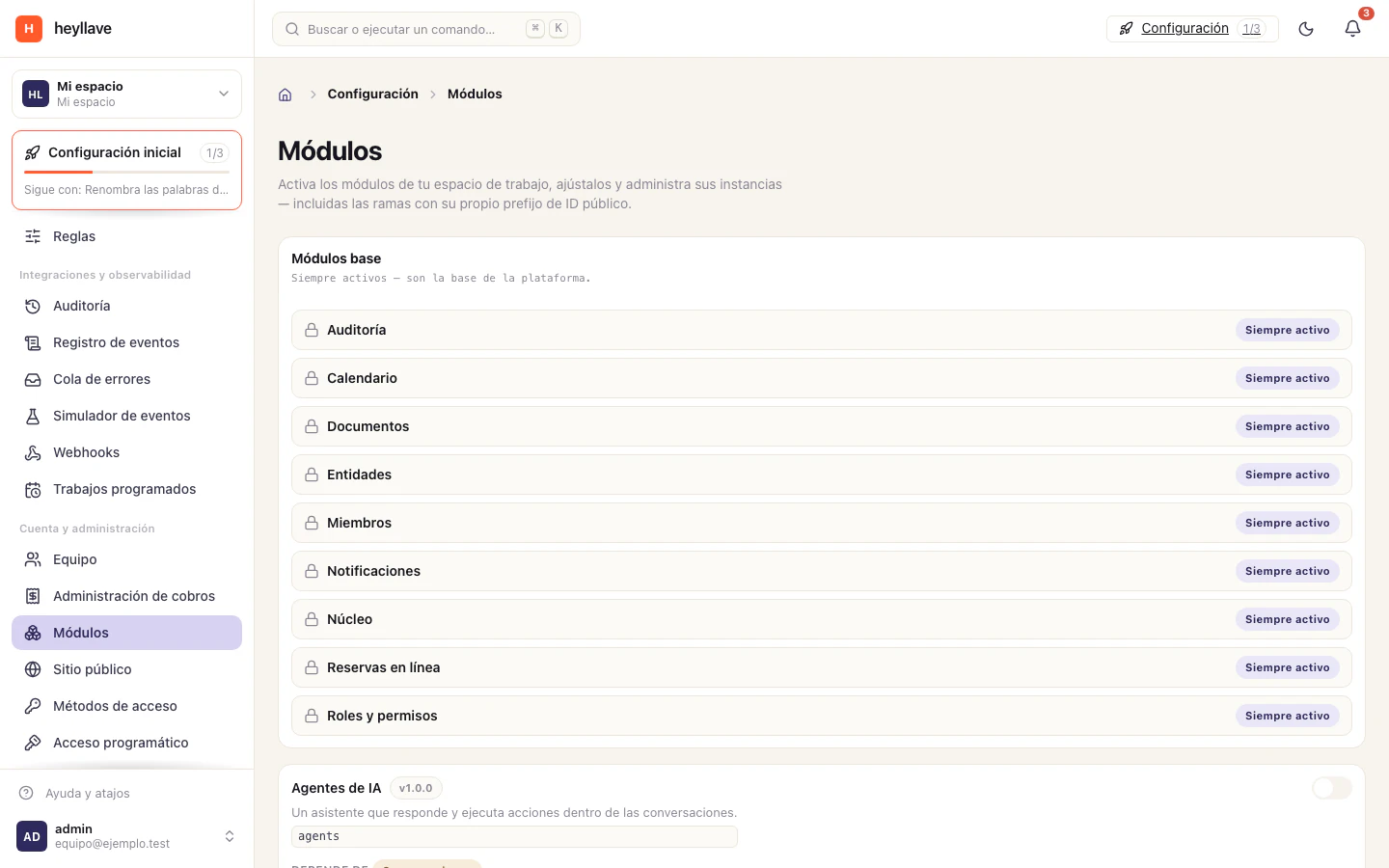
Modules group tools for tasks such as bookings, work orders, catalog and invoices. Each workspace can have a different set enabled. The modules screen shows what is available and whether a tool needs additional setup. View modules →
People, roles and permissions
A role determines what each teammate can do in a workspace. Your roles can differ between businesses. If an action is missing, ask an administrator to check the required permission. Roles and permissions →
Customers, entities and records
Entities organize business information, such as customers, vehicles or other configured types. Records hold data and changes related to an entity. History helps the team understand what was recorded and correct information with context. Entities and records →
How a task flows
A task can connect several tools: a booking coordinates time; a work order organizes the job; items record materials; an invoice and payments document the charge. Each screen has its own status and history. Completing one step does not automatically complete the others.
Operational and financial records
Recording an invoice, payment, account or delivery stores information in Heyllave. These actions do not replace a bank transfer, fiscal acceptance or confirmation from another person. Check the status in the relevant screen and confirm external steps through their own channel.
If something doesn’t work
If a concept on this page does not match what you see, remember that your workspace can rename the product’s labels: what this page calls a “work order” may be a “service” or a “repair” in your business. And if the screen is absent, check the module and the role, which are separate controls.