
A restaurant can manage table, room or group reservations with Bookings. If it also sells products online, it can display its catalog and receive orders through the Public site. These are separate flows: check whether a customer made a reservation or placed an order.
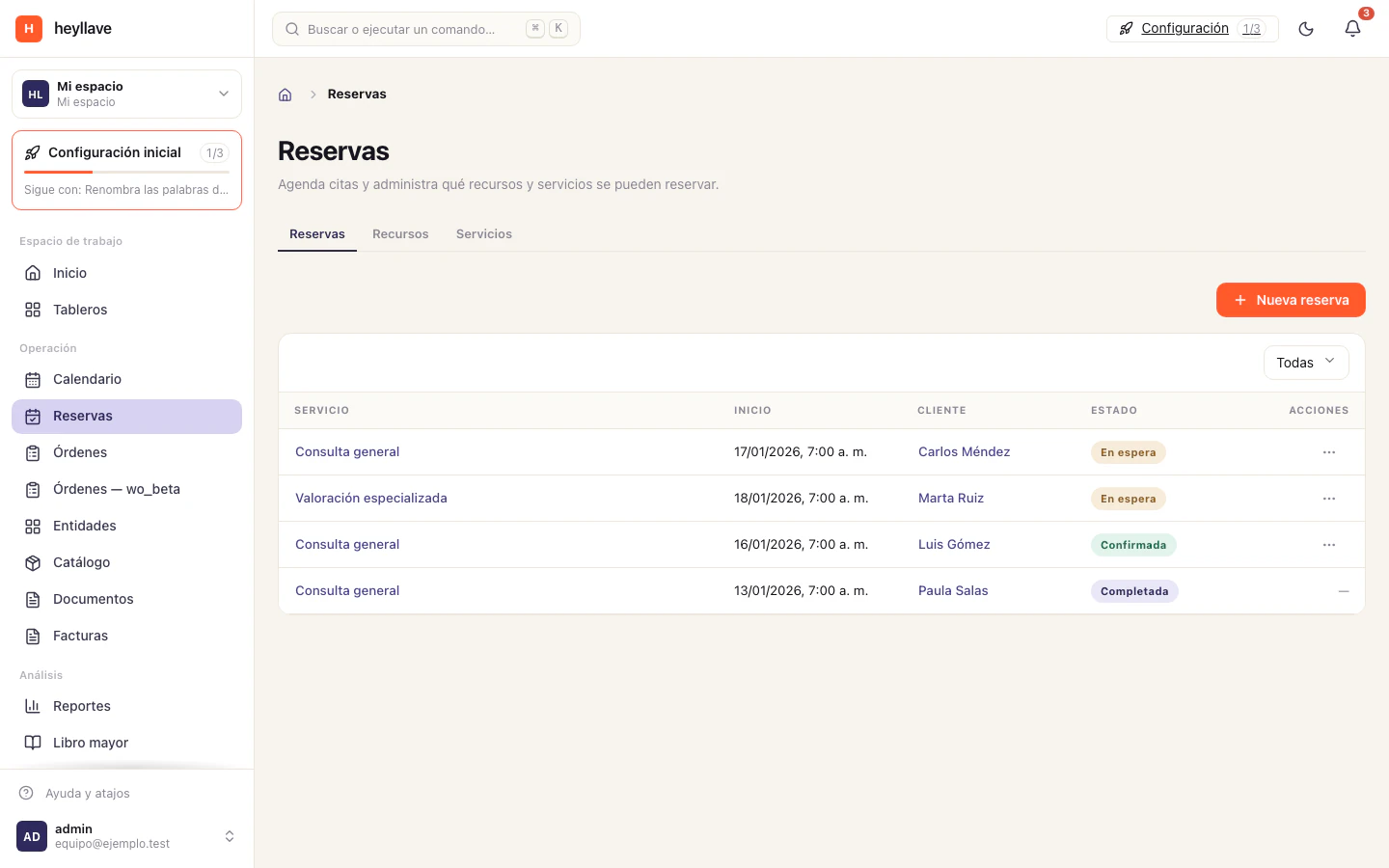
Table and space reservations
- In Resources, create resources for tables, rooms or bookable spaces and configure their availability.
- In Services, create a reservation type, such as a table or group booking. Set duration, minimum notice and required resources.
- Set the maximum party size and booking limits per day, week or month.
- Enable public bookings if customers should reserve through the site. Verification can only be enabled when public bookings are on.
- Enable approval if staff should review requests before confirming them.
- Review cancellation rules, required reasons and fees before sharing the link.
See Bookings and availability for all options, dependencies and limits.
Orders from the public site
- Review which catalog items to display and whether they should track stock.
- In Public site, publish the catalog and organize items into collections.
- If customers can order online, confirm that orders and the configured payment method are enabled.
- Review each order in Orders and check its payment status before preparing or handing it over.
See Storefront and public website and Manage the catalog. Publishing an item is not the same as receiving an order, and creating an order does not automatically confirm payment.
When to use work orders
Use a work order to assign and track an operational task, such as a repair or premises maintenance, if the work-orders module is active. Do not use it as a kitchen ticket or point of sale. Review Work orders for owners, statuses and permissions.
Before publishing
- Test one reservation and one catalog order separately.
- Check availability, capacity and resources using the roles that will handle the shift.
- Review price, stock, payment method and order status in the public flow.
- Confirm that visitor-facing options match the policies your team can handle.