
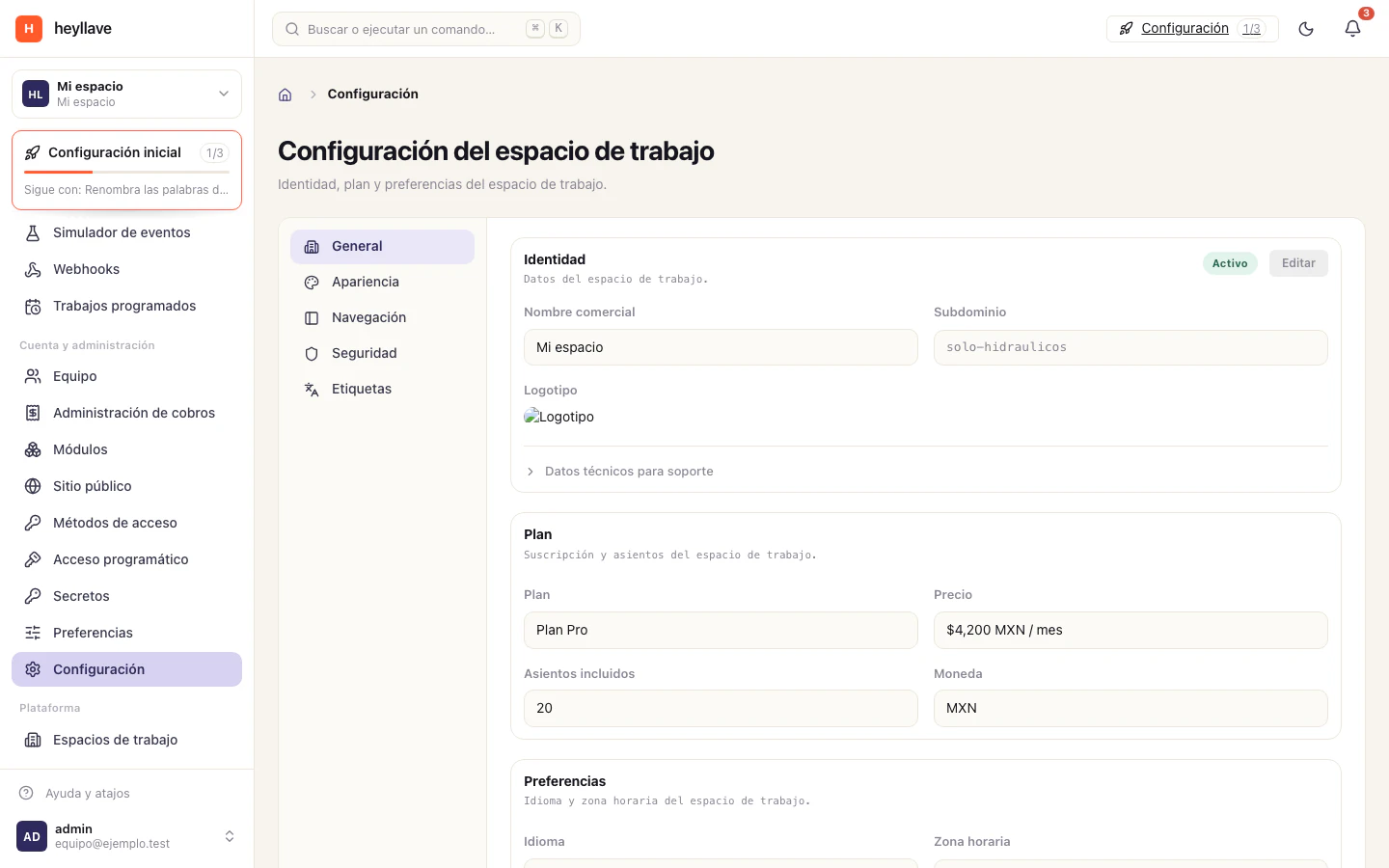
Heyllave separates the workspace’s shared identity from your personal preferences.
Workspace appearance
An authorized administrator can review the workspace’s default theme and accent color in Settings → Appearance. The business name and logo belong to General.
Preview and save the change, then check the workspace and any customer-facing surface that uses the branding. A personal appearance preference may override the workspace default for that user.
Personal language and time zone
Open your account’s Preferences to choose a language. The language is saved to your account and can follow you across devices.
Your time zone belongs to your account profile. Open Account to change it; Preferences displays the saved value. Review date and time displays after changing it.
Personal appearance
Review your own accent color and sidebar layout where available. These appearance preferences can be specific to the workspace, so changing one workspace does not necessarily change another.
Notification choices
The notification switches in Preferences are saved in the current browser. To decide what messages are sent and through which channels, configure notification rules.
If a change cannot be saved
Check whether you are changing your own preferences or shared workspace settings. Confirm the selected workspace and ask its administrator for the necessary permission.