
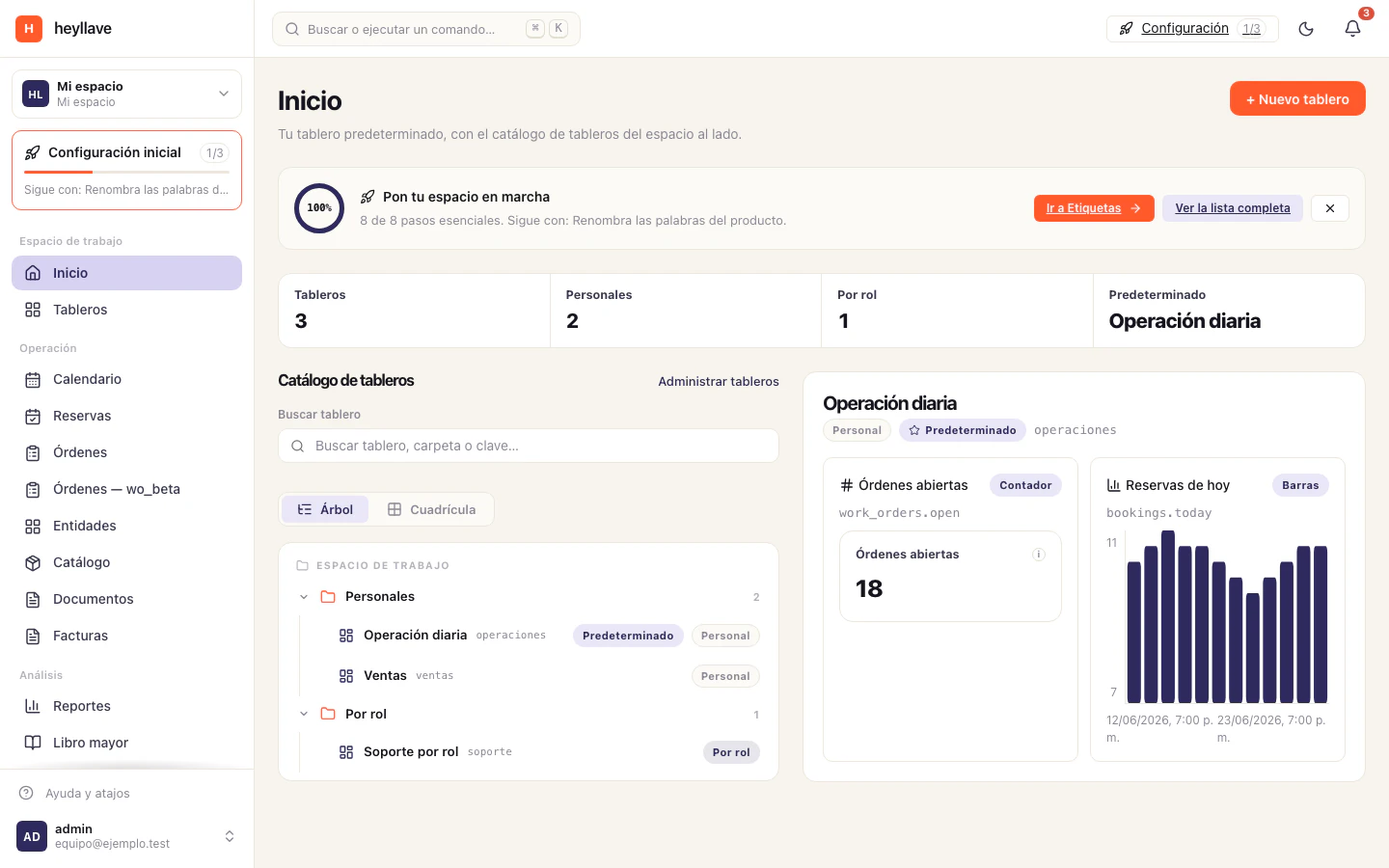
Start with the tools your business will actually use. You can enable other modules after the team understands the first workflow.
Prepare the workspace
- Review the workspace name, language and time zone in Settings.
- Decide what customer or equipment information belongs in entities and records.
- Enable the required modules and review their configuration.
- Prepare team roles and invitations.
Prepare your daily work
If you schedule appointments, set up services, resources and availability. If you manage service work, agree how to create and update work orders.
Add reusable products or services to the catalog, and prepare the document types and notification rules your process needs.
Verify a complete example
Create a test record using the same flow the team will follow. Check that the right people can see and update it. Review the customer-facing result before sharing a real document or link.
Confirm the amount, currency and recipient when testing invoices or messages. Remove or clearly identify test records according to your team’s practice.
Help someone get unstuck
If an option is missing, check the selected workspace, active module, module setting and role. Use the help center to collect useful details when you need assistance.
If something doesn’t work
If a step on this list cannot be completed, split it into two questions: is the module enabled, and does my role include that action? They are independent controls. Foundation modules cannot be switched off, so for their screens the answer is always in the role or the configuration.