
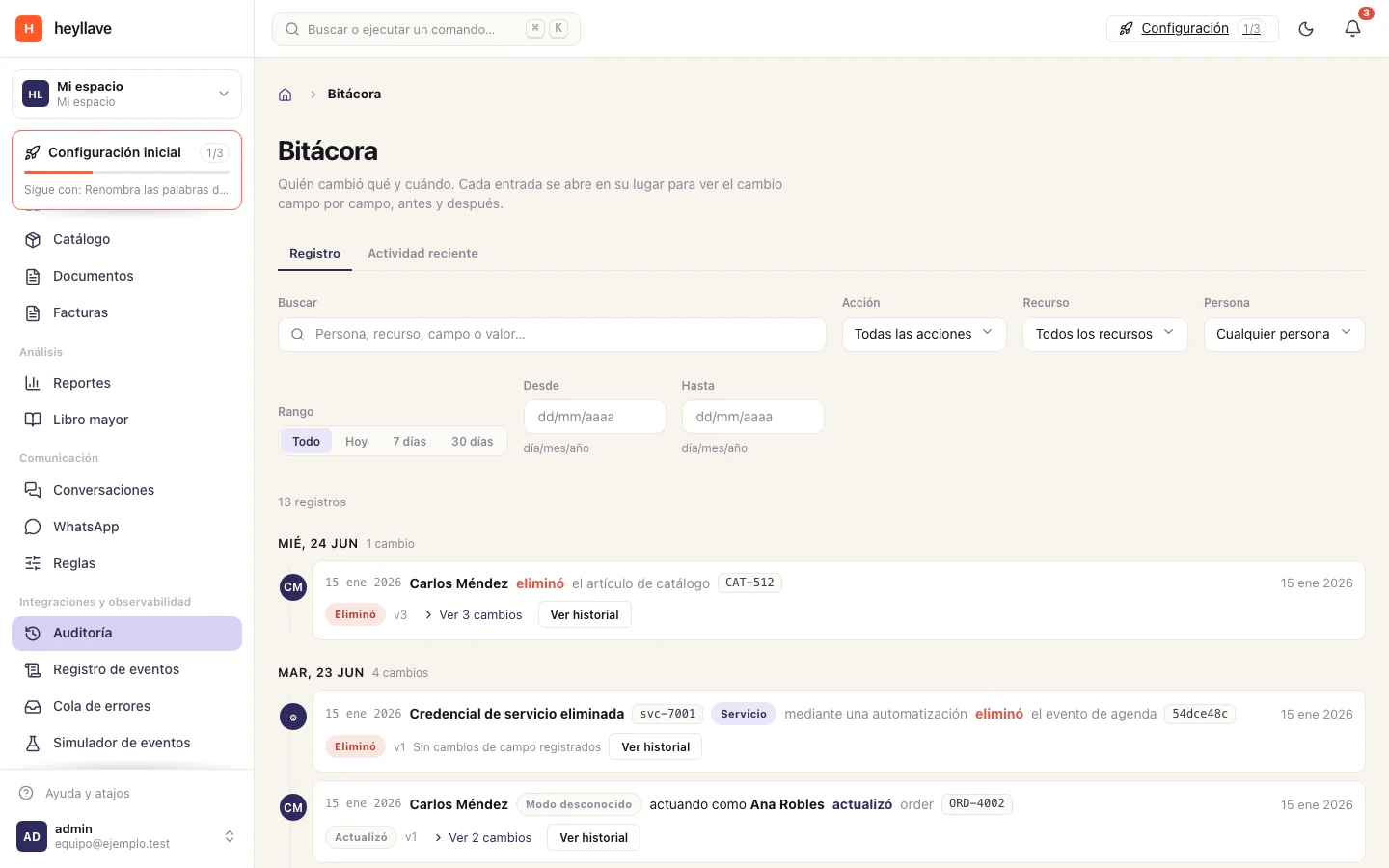
Heyllave offers different views for operational history. Audit records changes and their actors; the event log shows events; the error queue helps review failed deliveries.
Find a change
- Open the workspace’s Audit view.
- Filter the period and find the relevant record or action.
- Open the detail to inspect the actor, time and change information.
- If needed, look for a related event in the event log.
Visible history depends on the selected period, module and your permissions. A reference or timestamp can help an administrator find the same event.
Review a failed delivery
Open the error queue and locate the affected event or integration. Read the reported reason and confirm the destination is ready again before using a retry action.
Repeated retries do not fix an unavailable destination or an invalid connection. Give the integration owner the event reference and relevant error when the cause is unclear.
Share only the needed details
Events may include customer information. For a support request, prefer the event or record reference, timestamp and error rather than the full payload.
Use the help center to prepare a clear report. See webhooks for connection setup and roles for access.
If something doesn’t work
Audit is a foundation module, but reading it is a separate permission that does not come with the others. If a change is missing, confirm the date window and the actor you are looking for before assuming it was not recorded. Activity and events are different records: an event that never reached an integration still exists in the workspace log.