
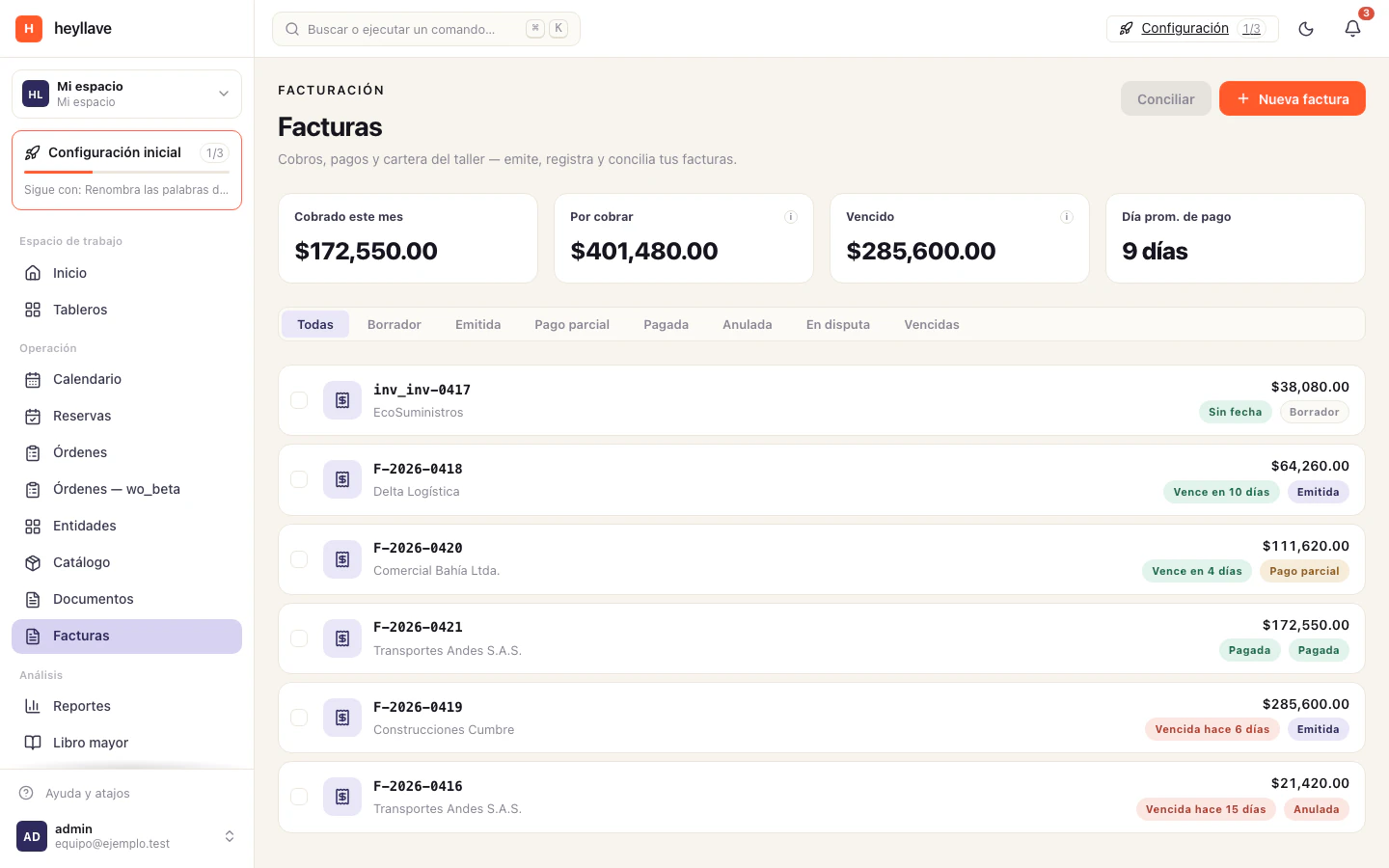
Invoices record amounts owed for your business’s work. Confirm the customer, lines and currency before creating one.
Create an invoice
- Open Invoices and choose the new-invoice action.
- Select a customer or complete the customer reference required by the form.
- Add lines with description, quantity, price and tax.
- Choose the currency and review any due date, source order and notes.
- Check the total and confirm.
- Open the result and review its status.
Do not assume that creating an invoice also establishes acceptance by a fiscal authority. Fiscal identity, numbering and any electronic-issuance integration have separate requirements and status.
Record a payment
Open the invoice, choose Record payment, enter the received amount and method, and add a useful transaction reference. Save and verify the remaining balance.
Partial payments can leave an outstanding amount. Recording a payment documents what happened; it does not initiate a bank transfer or charge a card.
Review balances and cancellation
Use the available status and overdue filters, then open the detail to inspect payments and accounting entries. Review the confirmation before voiding an invoice; it can reverse entries and consume a document number.
Fiscal setup
An authorized administrator can configure fiscal identity and numbering in the workspace. See fiscal identity and numbering and confirm your business’s process with its responsible accountant.
If something doesn’t work
Creating, issuing, voiding and exporting an invoice are separate permissions, and recording a payment is another one. If you cannot issue, check the numbering series and the fiscal identity too: a created invoice is not issued by itself, and issuing it does not confirm fiscal acceptance. If the balance does not drop, check that the payment was recorded against that invoice.